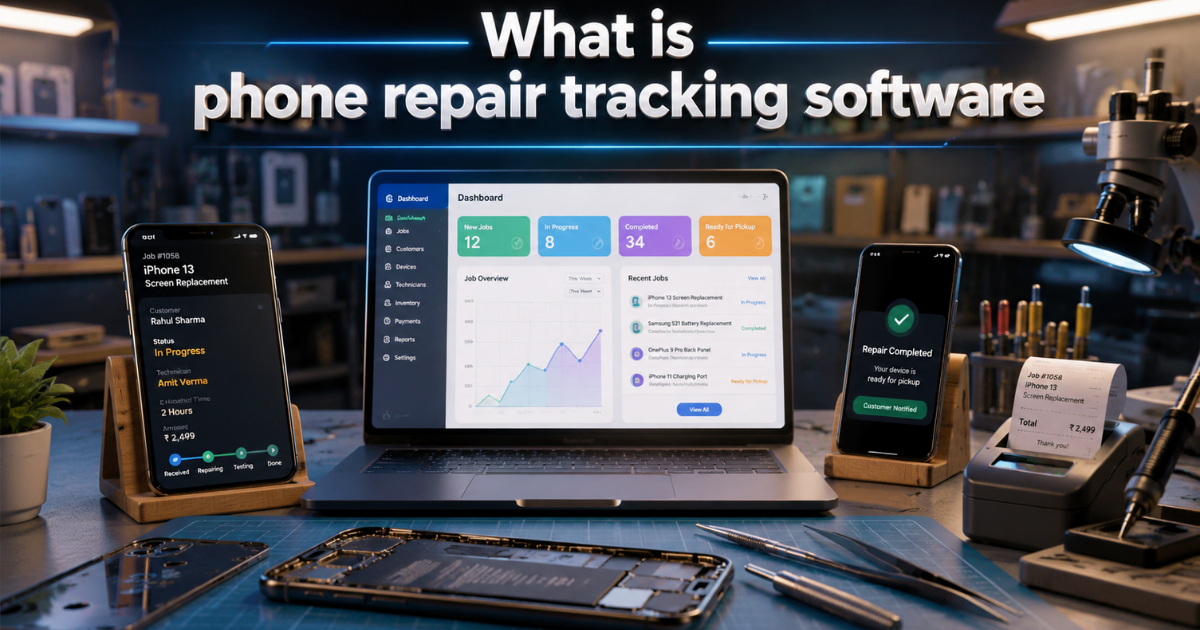
- Phone repair tracking software is a digital solution designed to help mobile and phone repair businesses monitor the entire repair process. Instead of relying on paper job sheets, notebooks, or spreadsheets, repair technicians and shop owners can track every device digitally.
- This software can securely store essential information such as customer details, device models, IMEI numbers, reported issues, repair status, estimated costs, assigned technicians, spare parts used, payment details, and delivery status.
2) Why do phone repair shops need tracking software
- Without a proper tracking system, it is easy to lose track of a device, forget to update a customer, or miss repair deadlines.
- A phone repair tracking system provides a clear overview of all ongoing and completed repair jobs. Shop owners can quickly see which devices are awaiting diagnosis, undergoing repair, ready for pickup, or have already been delivered.
- This improves workflow management and reduces the likelihood of errors.

3) Key features of phone repair tracking software
#1. Digital Repair Job Sheet
Create a digital job sheet whenever a customer submits a phone for repair. Record device information, customer complaints, accessories received, physical condition, and other relevant details.
#2. Repair Status Tracking
Track each repair through various stages such as Received, Diagnosing, Waiting for Parts, In Repair, Ready for Delivery, and Delivered.
#3. Customer Management
- Store customer names, phone numbers, past repair records, and interaction details in one place.
#4. IMEI and Device Tracking
IMEI number tracking helps accurately identify individual devices. This is particularly useful when a shop handles multiple phones of the same model.
#5. Technician Task Assignment
- Assign repair tasks to technicians based on their skills and workload. Managers can oversee assigned tasks and effectively track the progress of repair work.
#6. Spare Parts Management
This software helps track spare parts used during repairs. Shops can maintain an inventory of available parts and determine when new ones need to be ordered.
#7. Repair Estimates and Billing
Generate repair estimates based on the cost of parts and service charges. Once the repair is complete, the system can assist in creating invoices and maintaining payment records.
#8. Customer Notifications
Keeping customers informed enhances their experience. Automated notifications can be used to update customers on repair progress, requests for approval, or when the device is ready for pickup.
 ## Benefits for the Mobile Repair Business
Using phone repair tracking software saves time and provides better control over operations. Staff spend less time searching for information in registers or spreadsheets and can focus more on the actual repair service.
The system also creates a centralized record of repair history, making it easy to review past services and customer complaints. Shop owners can monitor pending jobs, completed repairs, technician performance, payments, and other business activities from a single dashboard.
Improved tracking can also boost customer trust, as staff can provide accurate updates about the device instead of manually checking multiple records.

4) Choosing the Right Phone Repair Tracking Software
- When selecting software for your repair business, look for these features repair job management, customer records, IMEI tracking, technician management, inventory control, billing, notifications, reporting, and secure data management.
- The phone repair tracking software solution should be user-friendly, scalable, and well-suited to your repair shop's daily operations. Cloud-based access can be highly beneficial for business owners who wish to monitor repair activities from various devices.